Video dubbing has become one of the fastest ways for creators, educators, media teams, and businesses to reach audiences outside their original language. A single YouTube video, course lesson, product demo, or training module can now be translated, voiced, subtitled, and published in multiple languages without rebuilding the entire production from scratch.
The best AI dubbing tools do more than translate words. They help preserve the speaker’s timing, tone, clarity, and audience intent. Some tools focus on lip-sync, some prioritize voice quality, some are built for enterprise localization, while others are better for creators who need fast multilingual versions for YouTube videos, TikTok, Instagram, or online courses.
This guide breaks down the best AI tools for video dubbing by workflow fit, free plan availability, starting price, dubbing quality, and best use case.
Quick Comparison Table
| Tool | Best For | Starting Price | Strongest Use Case |
| HeyGen | AI dubbing with lip-sync | $24/month, billed annually | Creator and business videos |
| Rask AI | Fast multilingual video localization | $33/month, billed annually | YouTube, courses, marketing videos |
| ElevenLabs Dubbing | High-quality AI voice dubbing | $6/month | Voice quality and voice cloning |
| Dubverse | Affordable multilingual dubbing | $9/month, billed yearly | Regional and business dubbing |
| Papercup by RWS | Enterprise localization | Custom pricing | Media, TV, film, enterprise content |
| Maestra | Subtitles, translation, and voiceover | $39/month | Teams needing subtitles and voiceover |
| Wavel AI | Dubbing, subtitles, and voice cloning | $16/month, billed annually | Creator and business localization |
| Synthesia | Avatar-led multilingual video | $18/month, billed annually | Training and corporate videos |
1. HeyGen: Best for AI Video Dubbing With Lip-Sync
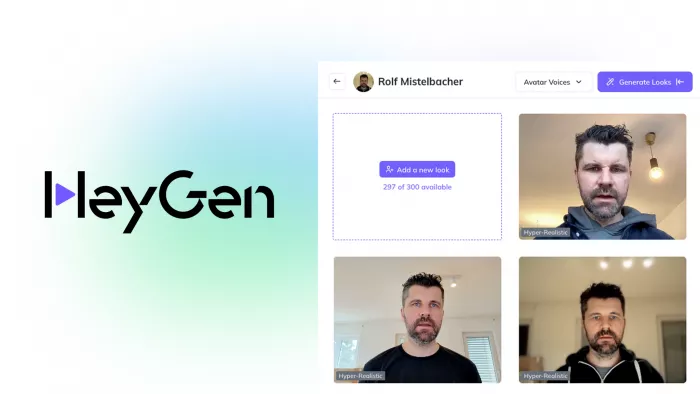
HeyGen is one of the strongest AI dubbing tools for creators and businesses that want translated videos to look natural, not just sound translated. Its video translation feature can translate speech, generate dubbed audio, and apply lip-sync so the speaker’s mouth movement better matches the new language.
This makes HeyGen useful for YouTubers, online educators, SaaS companies, coaches, and marketing teams that rely on face-led content. It works especially well for product explainers, training videos, founder videos, course lessons, tutorials, and social media clips where the speaker’s face is visible.
Where It Fits in the Dubbing Workflow
| Workflow Stage | HeyGen’s Role |
| Translation | Translates videos into multiple languages |
| Voice generation | Generates dubbed speech with AI voices |
| Lip-sync | Supports lip-sync for more natural video translation |
| Editing | Allows review and adjustments before export |
| Publishing | Useful for YouTube, marketing, training, and explainer content |
What Makes It Useful
● Helps convert one original video into multiple language versions without reshooting.
● Makes dubbed videos feel more natural by combining translated audio with lip-sync.
● Works well for speaker-led videos where face, voice, and timing matter.
Dubbing Quality Check
| Quality Factor | Performance |
| Voice realism | Strong |
| Translation control | Good |
| Lip-sync support | Yes |
| Free plan | Available |
| Starting price | $24/month, billed annually |
| Best content type | Talking-head videos, tutorials, explainers, training videos |
Watch before choosing: HeyGen can speed up multilingual video creation, but users should still review product names, personal names, technical terms, and emotional tone before publishing.
Best match: Use HeyGen if you want AI video dubbing with lip-sync for polished, speaker-led multilingual videos.
2. Rask AI: Best for Fast Multilingual Video Localization
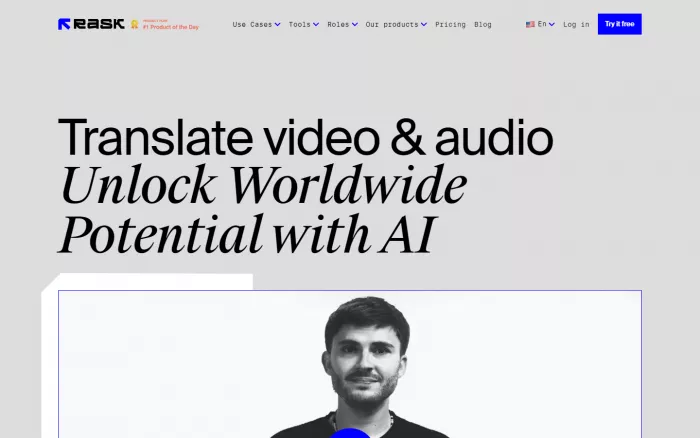
Rask AI is built specifically for video translation and dubbing. It is a strong choice for creators, educators, marketers, and businesses that want to dub video content into many languages without building a manual localization workflow. It supports automatic transcription, translation, voice generation, voice cloning, and editing inside a dedicated localization interface.
The tool is especially useful for YouTube creators, online course sellers, webinar teams, podcast publishers, and marketing departments that already have a library of videos. Instead of manually translating scripts, hiring voice actors, and editing new audio tracks, Rask AI gives users a faster route to multilingual publishing.
Where It Fits in the Dubbing Workflow
| Workflow Stage | Rask AI’s Role |
| Translation | Translates video and audio content into 135+ languages |
| Voice generation | Creates AI-dubbed speech |
| Lip-sync | Available on higher plans |
| Editing | Includes an editor for transcript, translation, and dubbing review |
| Publishing | Useful for creators, educators, podcasts, and brand videos |
What Makes It Useful
● Strong fit for users who need to translate many videos into different languages.
● Supports voice cloning, which helps preserve a more consistent speaker identity.
● Useful for course creators and YouTubers who want to expand into global audiences.
Dubbing Quality Check
| Quality Factor | Performance |
| Voice realism | Strong |
| Translation control | Strong |
| Lip-sync support | Available on selected plans |
| Free plan | 7-day free trial with limited minutes |
| Starting price | $33/month, billed annually |
| Best content type | YouTube videos, courses, podcasts, webinars, explainers |
Watch before choosing: Rask AI is powerful for localization, but users on lower plans should check minute limits, lip-sync access, and output quality before committing to a large project.
Best match: Use Rask AI if you want a dedicated AI dubbing platform for translating and localizing video content at scale.
3. ElevenLabs Dubbing: Best for High-Quality AI Voice Dubbing
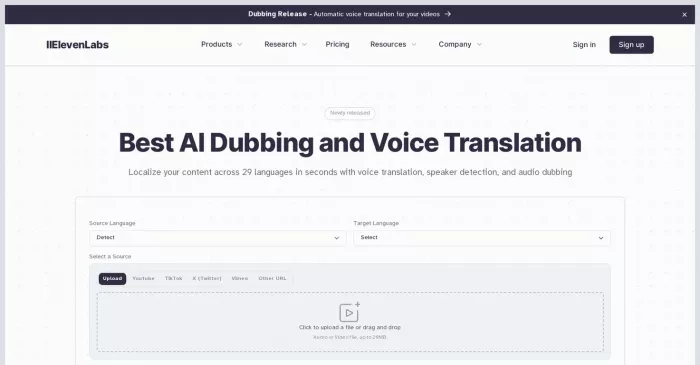
ElevenLabs is best known for realistic AI voice generation, and its dubbing tools are useful for creators who care deeply about voice quality. It can translate and dub video or audio content while preserving more natural speech patterns than many basic voiceover tools.
This makes ElevenLabs useful for publishers, educators, podcasters, YouTubers, documentary creators, and brands that want the dubbed voice to sound expressive rather than flat. It is especially strong when the audio experience matters as much as the translation itself.
Where It Fits in the Dubbing Workflow
| Workflow Stage | ElevenLabs’ Role |
| Translation | Supports automatic dubbing workflows |
| Voice generation | Strong AI voice generation and cloning |
| Lip-sync | Not the main strength compared with video-first tools |
| Editing | Dubbing Studio supports more controlled dubbing edits |
| Publishing | Useful for podcasts, narration, video voiceovers, and educational content |
What Makes It Useful
● Offers some of the strongest AI voice quality in the market.
● Useful for dubbing content where tone, emotion, and voice realism matter.
● Works well for audio-led content such as podcasts editing, narration, explainers, and educational videos.
Dubbing Quality Check
| Quality Factor | Performance |
| Voice realism | Very strong |
| Translation control | Good |
| Lip-sync support | Limited compared with video-first dubbing tools |
| Free plan | Available |
| Starting price | $6/month |
| Best content type | Podcasts, narration, explainers, educational videos, branded voiceovers |
Watch before choosing: ElevenLabs is excellent for voice quality, but it may not be the best first choice if lip-sync is the central requirement for face-led videos.
Best match: Use ElevenLabs if you want high-quality AI voice dubbing and natural-sounding multilingual audio.
4. Dubverse: Best for Affordable Multilingual Dubbing
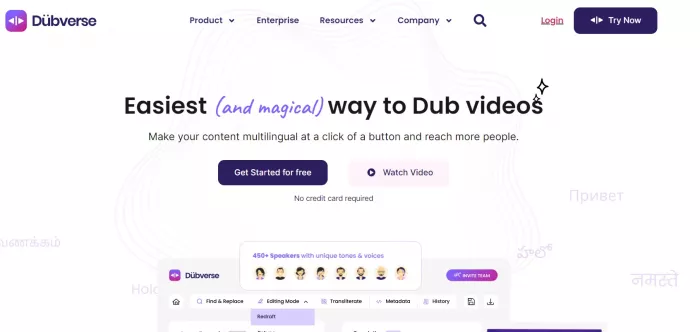
Dubverse is a practical AI dubbing platform for users who want to translate videos into multiple languages without the high cost of traditional dubbing. It offers AI dubbing, text-to-speech, subtitles, translation support, and voice options for creators, businesses, educators, and regional content teams.
It is especially useful for teams that publish content for multilingual audiences in markets where regional language coverage matters. Businesses can use it for training videos, product demos, explainer videos, educational content, and social media clips.
Where It Fits in the Dubbing Workflow
| Workflow Stage | Dubverse’s Role |
| Translation | Supports multilingual video translation |
| Voice generation | Offers AI voices and voice cloning on higher plans |
| Lip-sync | Available mainly at enterprise level |
| Editing | Includes dubbing and subtitle workflow controls |
| Publishing | Useful for business videos, education, social content, and regional content |
What Makes It Useful
● Offers accessible pricing for creators and smaller teams.
● Useful for regional language dubbing and business video localization.
● Combines dubbing, subtitles, voiceover, and translation in one workflow.
Dubbing Quality Check
| Quality Factor | Performance |
| Voice realism | Good |
| Translation control | Good |
| Lip-sync support | Enterprise-focused |
| Free plan | 2-day free trial |
| Starting price | $9/month, billed yearly |
| Best content type | Business explainers, education, regional content, training videos |
Watch before choosing: Dubverse is cost-effective, but users should check which features are included in each plan, especially voice cloning, GPT-4 translation, lip-sync, and human review.
Best match: Use Dubverse if you need affordable AI dubbing for regional, educational, or business videos.
5. Papercup by RWS: Best for Enterprise Video Localization
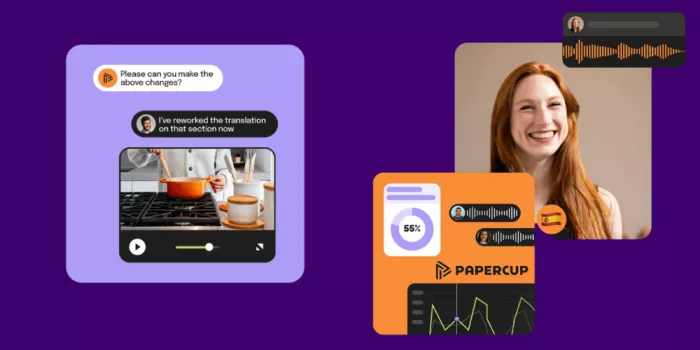
Papercup, now part of RWS, is positioned more toward enterprise-grade audio and video localization than casual creator dubbing. It is built for organizations that need scalable localization with higher control over quality, compliance, brand safety, and multilingual distribution.
This makes it a better fit for media companies, broadcasters, publishers, large training teams, entertainment companies, and businesses with high-volume localization needs. Unlike creator-first tools, Papercup is less about quick self-serve experiments and more about managed, professional localization workflows.
Where It Fits in the Dubbing Workflow
| Workflow Stage | Papercup’s Role |
| Translation | Supports enterprise localization workflows |
| Voice generation | AI dubbing and voiceover localization |
| Lip-sync | Not positioned as a creator-first lip-sync tool |
| Editing | Human and professional review may be part of enterprise workflows |
| Publishing | Built for TV, film, digital media, and large content libraries |
What Makes It Useful
● Designed for businesses that need localization at professional scale.
● Useful for media and enterprise teams where quality control matters.
● Strong fit for organizations with large multilingual video libraries.
Dubbing Quality Check
| Quality Factor | Performance |
| Voice realism | Strong, enterprise-focused |
| Translation control | Strong |
| Lip-sync support | Not the main public-facing focus |
| Free plan | Not publicly listed |
| Starting price | Custom pricing |
| Best content type | TV, film, digital publishing, enterprise training, media libraries |
Watch before choosing: Papercup is not the best option for creators who want instant self-serve pricing and quick small projects. It is better suited to organizations that need managed localization.
Best match: Use Papercup if you need enterprise-grade AI dubbing and video localization with professional quality control.
6. Maestra: Best for Subtitles, Translation, and AI Voiceover
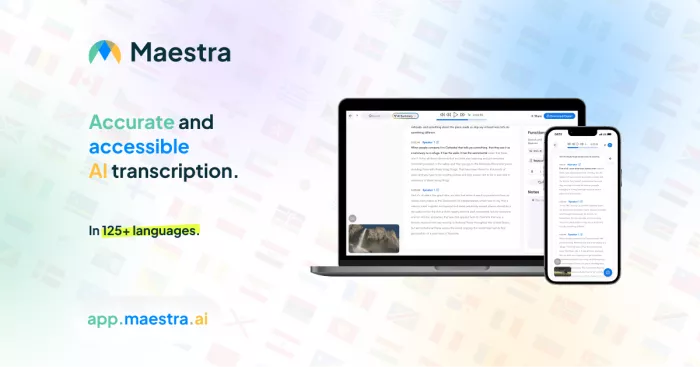
Maestra is a useful platform for teams that need transcription, subtitles, translation, voiceover, and dubbing-related workflows in one place. It is not only a dubbing tool. It also works as a broader media localization platform for educational videos, webinars, training content, interviews, and business communication.
Its strength is flexibility. A team can generate subtitles, translate them, create AI voiceovers, use a custom dictionary, and manage multilingual video assets. This makes it useful for organizations that need both text-based localization and voiceover output.
Where It Fits in the Dubbing Workflow
| Workflow Stage | Maestra’s Role |
| Translation | Translates subtitles and voiceover content |
| Voice generation | Supports AI voiceover into other languages |
| Lip-sync | Available as an added feature on higher plans |
| Editing | Offers subtitle import, custom dictionary, and translation controls |
| Publishing | Useful for education, training, webinars, and business videos |
What Makes It Useful
● Combines subtitles, transcription, translation, and voiceover workflows.
● Useful for teams that need text accuracy as much as dubbed audio.
● Custom dictionaries help with brand terms, technical words, and names.
Dubbing Quality Check
| Quality Factor | Performance |
| Voice realism | Good |
| Translation control | Strong |
| Lip-sync support | Available as an add-on on higher plans |
| Free plan | Free access available |
| Starting price | $39/month |
| Best content type | Training videos, webinars, educational content, business videos |
Watch before choosing: Maestra is excellent for subtitle and translation control, but users should check whether their plan includes the specific voiceover, dubbing, or lip-sync features they need.
Best match: Use Maestra if your workflow depends on subtitles, translation accuracy, custom dictionaries, and AI voiceover for business or educational videos.
7. Wavel AI: Best for Dubbing, Subtitles, and Voice Cloning in One Platform
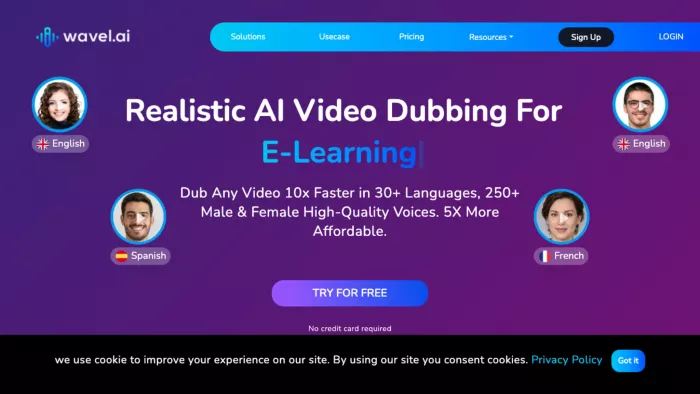
Wavel AI is a broad localization platform that supports dubbing, subtitles, voiceovers, voice cloning, and video-related AI tools. It is useful for creators and teams that want one platform for multiple localization tasks instead of using separate tools for subtitles, dubbing, and voice generation.
The platform is suitable for marketers, course creators, YouTubers, small businesses, and teams that regularly publish multilingual content. It works well when users need flexibility across dubbing, voiceover, subtitle generation, and content repurposing.
Where It Fits in the Dubbing Workflow
| Workflow Stage | Wavel AI’s Role |
| Translation | Supports multilingual dubbing and subtitle workflows |
| Voice generation | Offers AI voiceover and voice cloning |
| Lip-sync | Available through advanced video localization tools |
| Editing | Supports video edits, subtitles, and voice controls |
| Publishing | Useful for creators, marketers, educators, and business teams |
What Makes It Useful
● Combines dubbing, voiceover, subtitles, and voice cloning in one place.
● Offers a credit-based system that can be used across different media tasks.
● Useful for teams that want multilingual content without managing several separate tools.
Dubbing Quality Check
| Quality Factor | Performance |
| Voice realism | Good |
| Translation control | Good |
| Lip-sync support | Available depending on workflow and plan |
| Free plan | Available with limited credits |
| Starting price | $16/month, billed annually |
| Best content type | Marketing videos, explainers, training content, social videos |
Watch before choosing: Wavel AI uses credits, so users should check how many minutes of dubbing each plan actually provides before selecting a plan.
Best match: Use Wavel AI if you want a flexible platform for dubbing, subtitles, voiceover, and voice cloning.
8. Synthesia: Best for Avatar-Led Multilingual Training Videos
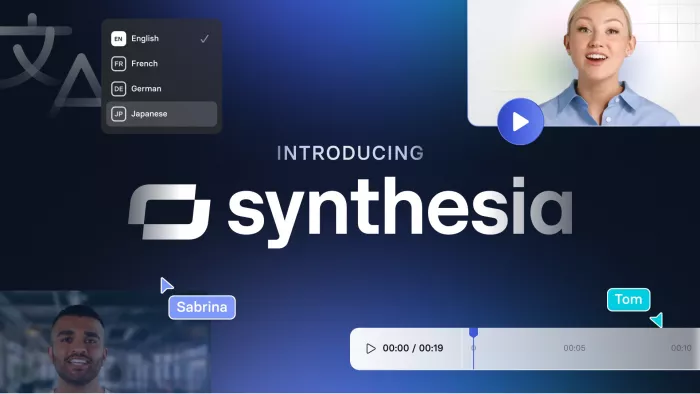
Synthesia is different from most tools on this list because it is not mainly built around dubbing existing real-person footage. Its strength is creating avatar-led AI videos and localizing them into multiple languages. That makes it valuable for corporate training, onboarding, compliance videos, product education, HR communication, and internal knowledge videos.
For companies that do not want to film presenters repeatedly, Synthesia can be more efficient than traditional dubbing. Teams can create an avatar video once, then adapt it into multiple languages using AI voices, captions, and video localization features.
Where It Fits in the Dubbing Workflow
| Workflow Stage | Synthesia’s Role |
| Translation | Supports multilingual video creation and localization |
| Voice generation | Offers AI voices across many languages |
| Lip-sync | Works naturally with AI avatars |
| Editing | Allows script and scene-based editing |
| Publishing | Useful for training, HR, sales enablement, and internal communication |
What Makes It Useful
● Best for creating multilingual training videos without filming real presenters.
● Avatar-based workflow keeps visuals consistent across languages.
● Useful for teams that need repeatable business video production.
Dubbing Quality Check
| Quality Factor | Performance |
| Voice realism | Good |
| Translation control | Good |
| Lip-sync support | Strong for avatar videos |
| Free plan | Available |
| Starting price | $18/month, billed annually |
| Best content type | Training videos, onboarding, product education, corporate communication |
Watch before choosing: Synthesia is strongest for avatar-led videos, not for dubbing real-world footage with multiple natural speakers.
Best match: Use Synthesia if you want to create multilingual training or business videos with AI avatars instead of filming and dubbing real presenters.
Which AI Video Dubbing Tool Should You Choose?
| Need | Best Tool |
| AI dubbing with lip-sync for talking-head videos | HeyGen |
| Fast multilingual localization for creators | Rask AI |
| Best AI voice quality for dubbing | ElevenLabs |
| Affordable dubbing for regional or business videos | Dubverse |
| Enterprise-grade media localization | Papercup by RWS |
| Subtitles, translation, and voiceover in one workflow | Maestra |
| Dubbing, subtitles, and voice cloning together | Wavel AI |
| Avatar-led multilingual training videos | Synthesia |
Final Verdict
The best AI video dubbing tool depends on the type of content you are localizing.
HeyGen is the best choice for creators and businesses that need translated videos with lip-sync. Rask AI is better for users who want a dedicated dubbing and localization platform with strong language coverage. ElevenLabs is the strongest option when voice realism is the top priority. Dubverse is a practical choice for affordable multilingual dubbing, especially for educational, business, and regional content.
Papercup by RWS is better suited for enterprise media localization where quality control, compliance, and scale matter. Maestra is a strong option for teams that need subtitles, translation, voiceover, and custom dictionaries. Wavel AI is useful for creators and businesses that want dubbing, subtitles, voice cloning, and video localization in one platform. Synthesia is the best fit for companies creating avatar-led multilingual training and internal communication videos.
For most creators, HeyGen, Rask AI, and ElevenLabs will be the most relevant starting points. For businesses with structured training or localization needs, Maestra, Wavel AI, Synthesia, and Papercup may offer a better long-term workflow. The smartest choice is not the tool with the most features. It is the tool that preserves meaning, voice, timing, and viewer trust across languages.



Comments