AI website builders are no longer all doing the same job. Some are made for simple business websites, some are stronger for design-heavy landing pages, some work better with WordPress, and some can build full web apps from prompts.
This guide breaks down the best AI tools for website building by use case, pricing, strengths, limits, and the type of user each one fits best.
Quick Comparison:
| Tool | Best For | Free Plan / Trial | Starting Price |
| Wix AI | All-in-one small business websites | Free plan available | From $17/month |
| Hostinger AI Website Builder | Affordable websites | No free plan, 30-day money-back guarantee | From $2.99/month promo pricing |
| GoDaddy Airo | Local businesses and fast launch | Free start available | Airo included with new domain purchase; .com promo from $4.99 first year |
| Squarespace Blueprint AI | Clean visual websites | 14-day free trial | From $16/month annually |
| Framer AI | Startup landing pages and portfolios | Free plan available | From $10/month annually |
| Webflow AI | Advanced no-code websites | Free Starter plan | From $15/month annually |
| 10Web | AI WordPress websites | Free start available | From $10/month |
| Shopify AI Store Builder | Ecommerce stores | 3-day free trial | From $29/month annually |
| Lovable | AI web apps and MVPs | Free start available | From $25/month |
| Bolt.new | AI websites and code-based apps | Free plan available | From $25/month |
1. Wix AI: Best for All-in-One Small Business Websites
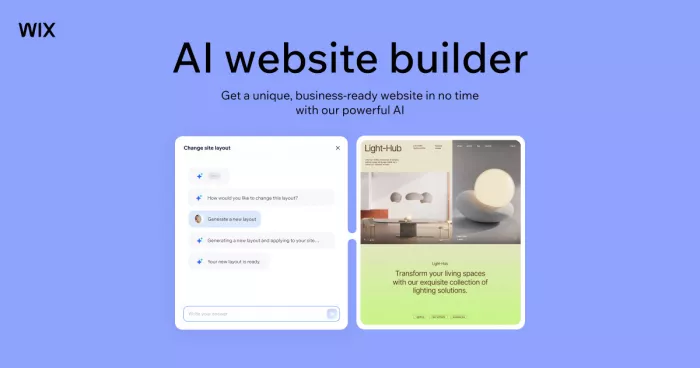
Wix AI is one of the most practical choices for users who want a complete website without managing hosting, templates, SEO tools, forms, bookings, ecommerce, and business features separately. Its AI website builder can create a starting site through a guided setup, while the Wix editor gives enough control to adjust the design, pages, images, copy, and layout after generation.
The platform works well for service businesses, freelancers, consultants, restaurants, appointment-based businesses, small stores, portfolios, and personal brands. It is not as open-ended as Webflow or Framer for advanced design control, but it is much easier for a non-technical user to launch and manage.
| Area | Details |
| Best for | Small businesses, service websites, freelancers, consultants, personal brands |
| What it does well | Combines AI site creation, hosting, templates, payments, bookings, SEO tools, forms, blogs, and business apps |
| What feels limited | Advanced design flexibility is not as strong as Webflow or Framer |
| Pricing | Free plan available; paid plans start at $17/month for Light, $29/month for Core, $39/month for Business, and $159/month for Business Elite |
| Best plan to start with | Core if you need payments or ecommerce; Light if you only need a basic website |
Verdict: Choose Wix AI if you want the safest all-in-one AI website builder for a complete business website without technical setup.
2. Hostinger AI Website Builder: Best for Affordable Website Building
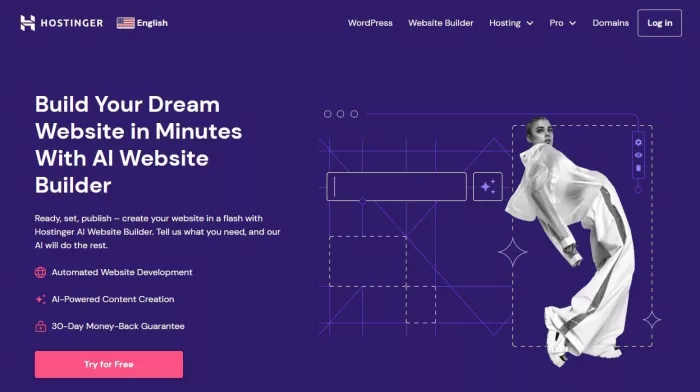
Hostinger AI Website Builder is a good choice for users who want to build a website cheaply without losing the basics. It includes AI website creation, hosting, SSL, templates, drag-and-drop editing, domain options, email tools, and WordPress support depending on the plan.
Its biggest strength is price. Hostinger is useful for personal websites, local businesses, small portfolios, basic ecommerce sites, and users who want hosting and site-building in one account. It does not feel as advanced as Wix for business apps or as flexible as Webflow for custom design, but for a low-cost website, it gives strong value.
| Area | Details |
| Best for | Budget websites, small business pages, personal sites, simple stores |
| What it does well | Offers AI website tools, hosting, SSL, free domain on eligible plans, website builder, email features, and WordPress support |
| What feels limited | No forever-free plan, and advanced customization is limited compared with Webflow or Framer |
| Pricing | No free plan; Premium starts at $2.99/month on long-term promo pricing and renews at $10.99/month; Business starts at $3.99/month and renews at $16.99/month |
| Best plan to start with | Premium for simple websites; Business if you need more resources or ecommerce features |
Verdict: Choose Hostinger if you want a low-cost AI website builder with hosting included and do not need advanced design control.
3. GoDaddy Airo: Best for Local Businesses That Need a Fast Launch

GoDaddy Airo is built for users who want to move quickly from a business idea to an online presence. It connects AI website building with domain search, logo creation, brand setup, social content, marketing tools, and business suggestions inside the GoDaddy ecosystem.
This makes it useful for local businesses, side projects, service providers, consultants, and first-time founders who need a domain, basic website, and marketing assets in one place. It is not the strongest tool for design-heavy websites or complex content systems, but it works well when speed matters more than deep customization.
| Area | Details |
| Best for | Local businesses, service providers, new brands, domain-first launches |
| What it does well | Helps with domain setup, AI website creation, logo generation, marketing content, and brand launch assets |
| What feels limited | Less flexible for advanced design, complex CMS, or highly customized websites |
| Pricing | Free start available; GoDaddy says Airo is included with any new domain purchase, with .com promo pricing shown from $4.99 for the first year in some offers |
| Best plan to start with | Start with the domain and Airo setup, then upgrade only if you need a custom domain-connected business site or extra marketing features |
Verdict: Choose GoDaddy Airo if you want a quick business launch with domain, website, logo, and basic marketing support in one workflow.
4. Squarespace Blueprint AI: Best for Clean Visual Websites
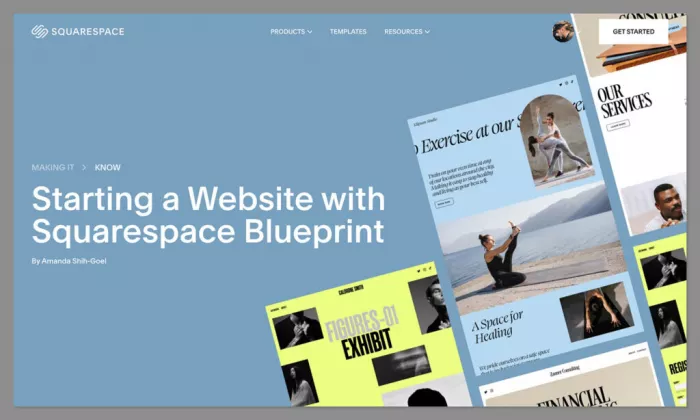
Squarespace Blueprint AI is best for users who want a polished website without making too many manual design decisions. It guides the user through site goals, brand style, layout preferences, and content needs, then creates a structured starting point inside Squarespace.
It works especially well for portfolios, photographers, consultants, restaurants, creators, boutique brands, and service businesses. Squarespace is not as flexible as Webflow or Framer, but that is also part of its appeal. It keeps the design clean, controlled, and harder to break.
| Area | Details |
| Best for | Portfolios, creators, restaurants, consultants, personal websites, boutique businesses |
| What it does well | Offers polished templates, guided AI setup, visual consistency, hosting, ecommerce options, SEO features, and built-in design tools |
| What feels limited | No forever-free plan, and advanced customization is more limited than Webflow |
| Pricing | 14-day free trial; Basic starts at $16/month annually or $25/month monthly; Core starts at $23/month annually; Plus starts at $39/month annually; Advanced starts at $99/month annually |
| Best plan to start with | Basic for portfolios and simple sites; Core if you need stronger business and commerce features |
Verdict: Choose Squarespace Blueprint AI if you want a clean, professional-looking website without spending too much time on design decisions.
5. Framer AI: Best for Startup Landing Pages and Modern Portfolios
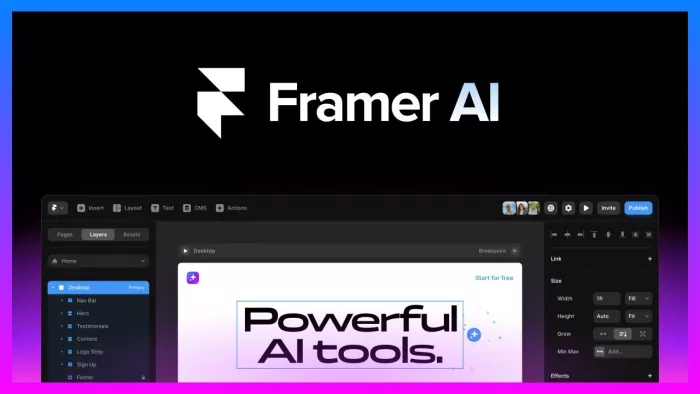
Framer AI is one of the strongest options for users who care about modern design, smooth visuals, landing pages, startup websites, and portfolio presentation. It can help generate site structures and page ideas, but the real strength is the visual editor, which gives much more creative control than a basic website builder.
Framer works best for SaaS landing pages, startup websites, product pages, personal brands, creators, agencies, and designers. It is not ideal for traditional local business websites that need bookings, payments, and business tools in one place. It shines when the website needs to look premium and feel fast.
| Area | Details |
| Best for | Startup landing pages, SaaS websites, portfolios, product pages, personal brands |
| What it does well | Offers strong visual control, AI-powered design tools, hosting, SEO tools, custom domains, responsive layouts, and modern web presentation |
| What feels limited | Not the easiest option for users who want a full business backend or beginner-level setup |
| Pricing | Free plan available; Basic starts at $10/month annually; Pro starts at $30/month annually |
| Best plan to start with | Basic for a personal or startup landing page; Pro for a growing professional site |
Verdict: Choose Framer AI if you want a modern, premium-looking website and care more about design quality than all-in-one business features.
6. Webflow AI: Best for Advanced No-Code Websites
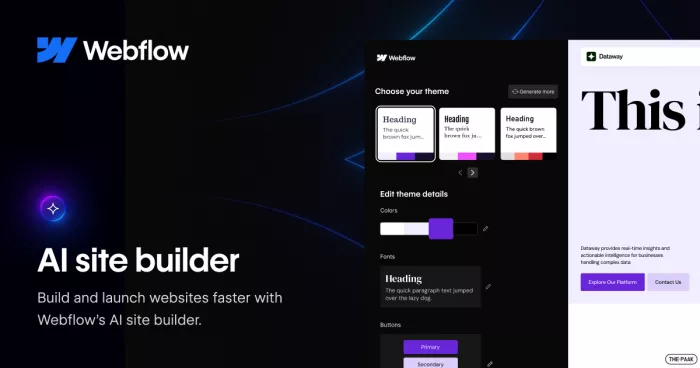
Webflow AI is made for users who want more control than a simple drag-and-drop builder but still do not want to code every part of a website manually. It combines AI-assisted site creation with a powerful visual editor, CMS, responsive design control, custom layouts, animations, forms, SEO controls, and scalable publishing.
It is best for agencies, startups, marketing teams, content-heavy websites, and companies that need more structure than Wix or Squarespace can offer. The learning curve is higher, but the control is also much stronger. For a basic one-page site, Webflow may feel heavier than necessary.
| Area | Details |
| Best for | Agencies, startups, CMS websites, marketing teams, advanced no-code builds |
| What it does well | Offers AI site building, CMS, responsive design, code components, SEO tools, custom layouts, animations, and scalable hosting |
| What feels limited | More difficult for beginners than Wix, Hostinger, or Squarespace |
| Pricing | Free Starter plan available; Basic site plan starts at $15/month annually; Premium starts at $25/month annually; ecommerce plans start at $29/month annually |
| Best plan to start with | Basic for simple custom-domain sites; Premium if you need CMS and heavier content |
Verdict: Choose Webflow AI if you want professional no-code control, CMS power, and a website that can scale beyond a simple template builder.
7. 10Web: Best for AI-Powered WordPress Websites
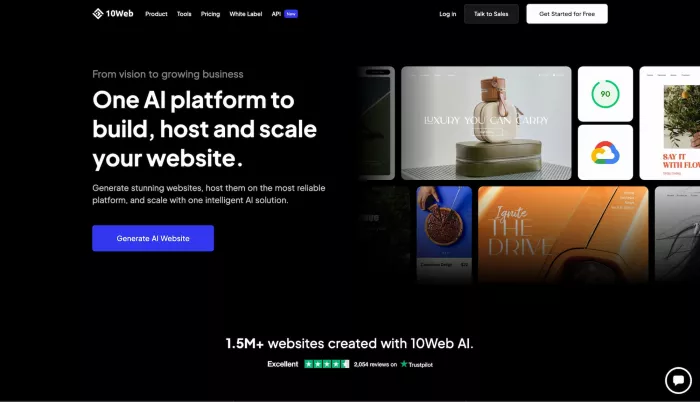
10Web is a strong option for users who want AI website generation but still prefer WordPress. It can generate or recreate websites, provide AI content and images, and publish through a WordPress-based setup with hosting, SSL, backups, CDN, ecommerce features, and performance tools included.
This makes it useful for agencies, freelancers, WordPress users, service businesses, and teams that want plugin flexibility. The advantage is that you are not locked into a closed website builder. The downside is that WordPress still requires more management thinking than Wix or Squarespace.
| Area | Details |
| Best for | WordPress websites, agencies, freelancers, service businesses, WooCommerce projects |
| What it does well | Creates AI WordPress sites with hosting, editor tools, ecommerce support, AI content, performance optimization, and WordPress CMS access |
| What feels limited | Users who dislike WordPress maintenance may prefer simpler closed platforms |
| Pricing | Free start available; AI Starter starts at $10/month, AI Premium at $15/month, and AI Ultimate at $23/month |
| Best plan to start with | AI Starter for one simple site; AI Premium if you need more capacity or client work |
Verdict: Choose 10Web if you want AI website building with WordPress flexibility instead of a closed website platform.
8. Shopify AI Store Builder: Best for Ecommerce Websites
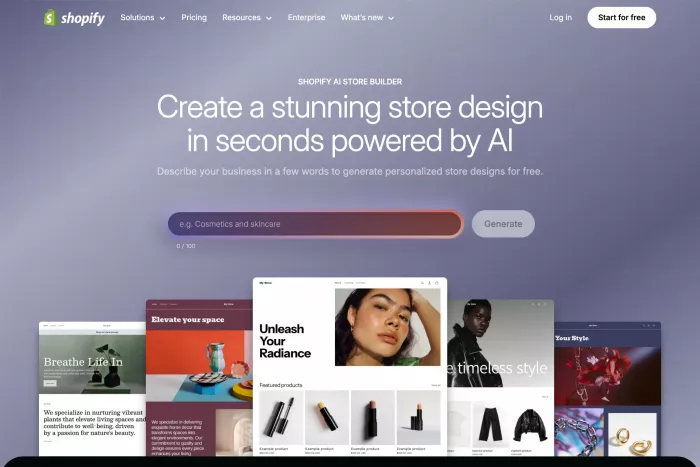
Shopify is the best choice when the website is mainly an online store. Its AI Store Builder, Shopify Magic, and Sidekick features help users create store layouts, generate content, improve product pages, and manage store tasks. But the real reason to choose Shopify is its ecommerce infrastructure.
It is built for selling products, managing inventory, accepting payments, handling checkout, connecting sales channels, running discounts, and scaling a store. It is not the best pick for a simple portfolio or service website, but for ecommerce, it is more complete than most general AI website builders.
| Area | Details |
| Best for | Ecommerce stores, product brands, retail businesses, DTC brands, growing online sellers |
| What it does well | Offers AI store setup, product pages, checkout, payments, inventory, shipping, analytics, apps, and multichannel selling |
| What feels limited | More expensive than basic website builders and unnecessary for sites that do not sell products |
| Pricing | 3-day free trial, then promotional offers may apply; Basic starts at $29/month annually or $39/month monthly; Grow starts at $79/month annually; Advanced starts at $299/month annually; Plus starts from $2,300/month |
| Best plan to start with | Basic for a new store; Grow if you have a small team and need more reporting or staff access |
Verdict: Choose Shopify if your website’s main job is to sell products online and manage ecommerce properly.
9. Lovable: Best for AI Web Apps and MVPs
Lovable is not a traditional website builder. It is an AI development platform that helps users build full-stack web applications from natural language prompts. Instead of only creating pages, it can generate app interfaces, backend logic, databases, authentication, integrations, and editable code.
This makes it useful for founders, product managers, designers, indie hackers, and teams building MVPs, dashboards, internal tools, SaaS prototypes, and interactive web products. It is not the best option for a restaurant website or a simple business homepage. It is strongest when the website needs to behave like a product.
| Area | Details |
| Best for | MVPs, SaaS prototypes, dashboards, internal tools, app-like websites |
| What it does well | Turns prompts into working web apps with frontend, backend, database, authentication, integrations, and editable code |
| What feels limited | Credit usage can become expensive during heavy iteration, testing, or debugging |
| Pricing | Free start available; Pro starts at $25/month annually with 100 monthly credits; Business starts at $50/month annually |
| Best plan to start with | Pro if you are actively building an MVP or app-style project |
Verdict: Choose Lovable if you are building a functional web product, dashboard, or MVP instead of a standard marketing website.
10. Bolt.new: Best for AI Code-Based Websites and Apps
Bolt.new is another strong option for building websites, apps, interfaces, and prototypes with AI. It is more developer-oriented than classic website builders because it gives users a browser-based environment for generating, editing, and deploying real projects.
It works well for technical founders, developers, students, agencies, and builders who want prompt-based development without giving up control. Compared with Lovable, Bolt feels more code-focused. Compared with Wix or Squarespace, it is much more powerful for app-like builds but less beginner-friendly for users who only need a simple website.
| Area | Details |
| Best for | Developers, technical founders, students, prototypes, code-based web apps |
| What it does well | Offers prompt-to-project building, website hosting, databases, custom domains, SEO boosting, file uploads, private sharing, and token-based AI development |
| What feels limited | Non-technical users may find it more complex than traditional AI website builders |
| Pricing | Free plan available with 300K daily tokens and 1M monthly tokens; Pro starts at $25/month billed monthly; Teams starts at $30/month per member |
| Best plan to start with | Free for testing; Pro if you need custom domains, no Bolt branding, higher token capacity, and private sharing |
Verdict: Choose Bolt.new if you want an AI website and app builder with more code-level control than a normal no-code platform.
Which AI Website Builder Should You Choose?
| User Type | Best Pick |
| Beginner who wants everything in one place | Wix AI |
| Cheapest website setup | Hostinger AI Website Builder |
| Local business launch | GoDaddy Airo |
| Clean visual website | Squarespace Blueprint AI |
| Startup landing page | Framer AI |
| Advanced no-code website | Webflow AI |
| WordPress website | 10Web |
| Ecommerce store | Shopify |
| MVP or SaaS prototype | Lovable |
| Code-based AI website or app | Bolt.new |
Final Verdict
The best AI website builder depends on what you are actually trying to launch. Wix is the safest all-round choice for most small business websites, Hostinger is better for low-cost websites, GoDaddy Airo is useful for fast local business launches, and Squarespace is a strong option for clean visual websites.
Framer is better for modern landing pages and portfolios, while Webflow is the stronger choice for advanced no-code websites with CMS control. 10Web makes sense if you want AI website generation inside WordPress, and Shopify is the clear pick if the website is mainly an online store.
Lovable and Bolt.new belong in a different category. They are not just website builders; they are AI app builders. Use them when you want to build dashboards, SaaS prototypes, internal tools, or interactive web apps from prompts. For most regular websites, start with Wix, Hostinger, Squarespace, Framer, or Webflow. For ecommerce, go with Shopify. For app-like projects, test Lovable or Bolt.new.



Comments