Instagram Reels can still drive serious reach, but the workload behind them is what burns most creators out. A single short video often demands scripting, visuals, captions, sound, pacing, editing, and resizing before it is even ready to post.
That is exactly where AI tools have become useful. The best ones do not just throw effects on a video they shorten the path from idea to publishable Reel. Some help you generate scripts, some turn long videos into short clips, and some make polished vertical editing possible even if you are not a trained editor.
The eight tools below are the strongest options right now for different kinds of Instagram creators.
1. Canva AI Reel Maker
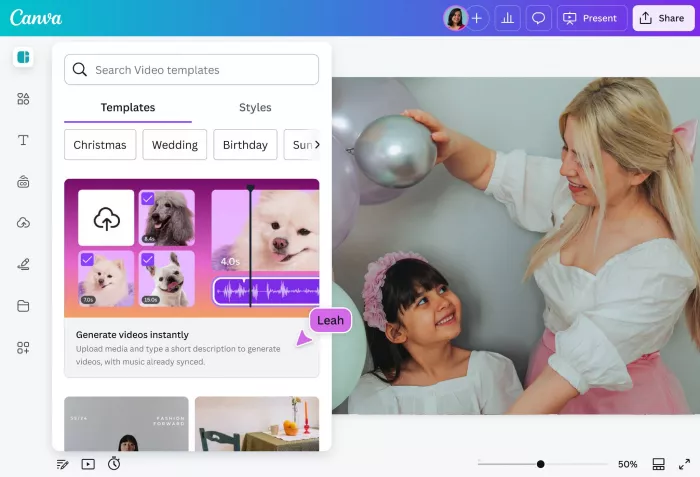
Canva’s AI Reel Maker is ideal for creators, coaches, small brands, and social media managers who want vertical content that looks polished without learning a heavy editing interface. It works especially well when branding matters, because the same platform can manage your logos, fonts, colors, templates, and animations across Reels, Stories, posts, and presentations.
For Viral Instagram Reels, Canva helps by speeding up the visual assembly process. You can build 9:16 layouts quickly, use AI-assisted writing for hooks or on-screen text, animate text and stickers, adapt existing content into vertical format, and pull from built-in stock assets when you do not have fresh footage. That makes it especially useful for educational creators, service businesses, and faceless brand pages that need consistent content more than cinematic editing.
Pricing: Canva has a Free plan at $0, while Canva Pro starts at about $12.99/month for individuals, often lower on annual billing.
Best for: Coaches, personal brands, educators, and businesses that want clean, on-brand Reels fast.
Canva AI Reel Maker: Pros and cons
| Pros | Cons |
| Very easy for beginners to learn. | Not ideal for highly complex timeline editing. |
| Excellent brand kit and template support. | Outputs can feel template-driven if not customized. |
| Strong library of stock visuals and design assets. | Less flexible than dedicated pro video editors. |
2. InVideo AI
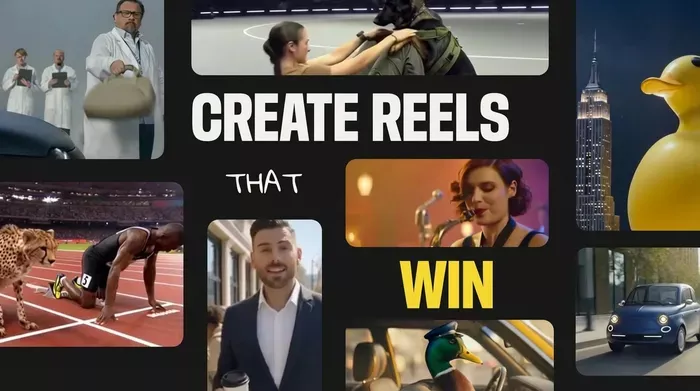
InVideo AI is built for speed and automation. Instead of starting with raw footage, you can start with a prompt or script idea, and the platform generates scenes, subtitles, voiceover flow, transitions, and stock-video combinations around that input.
That makes it particularly useful for creators who produce list-based, educational, explainer, or faceless content. If your workflow is “I have the idea, but I do not want to edit everything manually,” InVideo can cut out a large part of the production process by assembling a first draft automatically. You still need to guide the script and polish the output, but it dramatically reduces blank-page friction.
Pricing: InVideo usually offers a Free plan with watermark, while paid AI video plans generally start around $20–$25/month depending on billing and current offers.
Best for: Faceless creators, listicle pages, explainers, and creators who want script-to-video automation.
InVideo AI: Pros and cons
| Pros | Cons |
| Strong prompt-to-video automation. | Output can feel generic without manual edits. |
| Great for bulk content and faceless workflows. | Less precise than manual editing tools. |
| Built-in stock and subtitle flow save time. | Not ideal if your style depends heavily on personal filmed footage. |
3. Vizard
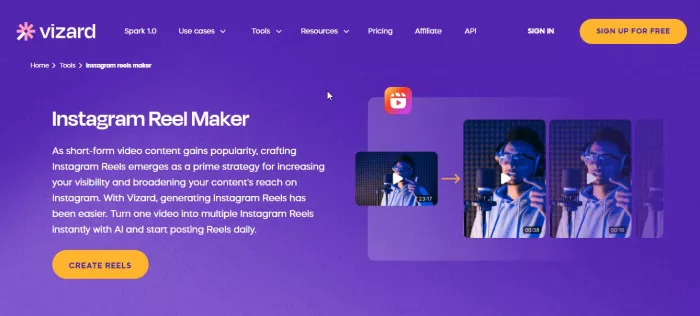
Vizard is one of the best AI tools for creators who already make long-form content and want to squeeze more value out of it. Instead of filming separately for Reels, you can upload a webinar, podcast, interview, or YouTube short video, and Vizard identifies highlight-worthy sections, formats them vertically, and adds captions.
Its biggest value in reel creation is time compression. Rather than manually watching your entire video and deciding where the best 30-second moment sits, Vizard uses AI to surface those moments for you. That is especially powerful for educators, thought leaders, business creators, and podcast editing who want a reliable repurposing engine.
Pricing: Vizard generally offers a Free tier with limited exports, while paid plans usually begin around $16–$29/month depending on usage limits.
Best for: YouTubers, podcasters, webinar creators, and educators repurposing long-form content into daily Reels.
Vizard: Pros and cons
| Pros | Cons |
| Excellent for clipping long videos into short vertical content. | Not as useful if you do not create long-form content. |
| Auto-captions and highlight detection save major editing time. | Some AI-selected clips still need human judgment. |
| Helps one long video become multiple pieces of content. | Paid plans can feel expensive for occasional users. |
4. Opus Clip
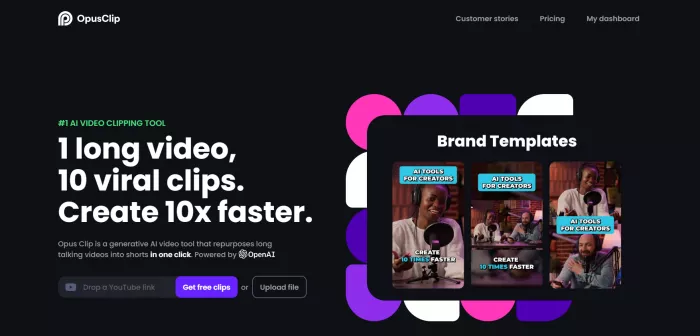
Opus Clip belongs in a similar category to Vizard, but it pushes harder into viral short-form formatting. It does not just clip long videos, it tries to identify the most engaging, hook-worthy, scroll-stopping moments and turn them into social-friendly short videos.
This is especially useful for talking-head creators, interview channels, commentary pages, and expert creators who post strong spoken insights. Opus Clip helps by automatically cutting segments, adding captions, using punch-ins and focus shifts, and presenting clips in a way that feels much closer to native short-form content. For creators who speak a lot on camera, it can dramatically reduce the workload of converting long videos into Reels.
Pricing: Opus Clip has a Free plan with limited monthly minutes, and paid plans commonly start at around $19/month for more usage and better export flexibility.
Best for: Talking-head creators, business educators, interview channels, and anyone turning long videos into punchy Reels.
Opus Clip: Pros and cons
| Pros | Cons |
| Strong at detecting high-retention short-form moments. | Best results come from spoken-content videos. |
| Adds captions and vertical reframing automatically. | AI clip selection still needs review before posting. |
| Great for high-volume repurposing. | Less useful for fully cinematic or B-roll-driven content. |
5. VEED.io
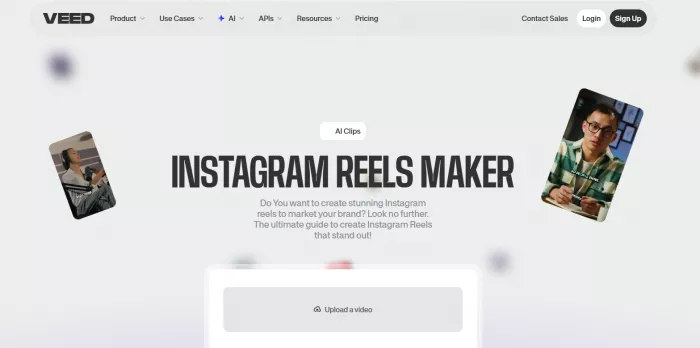
VEED.io sits in a useful middle ground. It is not as hands-off as prompt-based generators, but it is much faster than editing from scratch in a traditional pro editor. It uses AI to handle time-consuming work like subtitles, silence removal, filler-word trimming, and some cleanup tasks, while still leaving creators in control of the overall timeline.
That makes VEED particularly effective for creators who shoot their own content and want to keep control over the story while offloading the boring edits. It helps with Reels by cleaning up talking-head footage, styling captions, trimming dead air, and applying repeatable templates for branded vertical videos. For many creators, that balance of speed and control is more valuable than full automation.
Pricing: VEED has a Free plan with watermark and export limits, while paid plans usually start around $18–$25/month depending on features and billing.
Best for: Creators who record their own footage and want AI-assisted editing without losing control over the final cut.
VEED.io: Pros and cons
| Pros | Cons |
| Combines AI shortcuts with editable timeline control. | Not as fast as fully automated script-to-video tools. |
| Strong subtitle and cleanup features for Reels. | Browser-based editing may feel slow on weak systems. |
| Good fit for recurring branded talking-head content. | Still requires hands-on editing decisions. |
6. CapCut
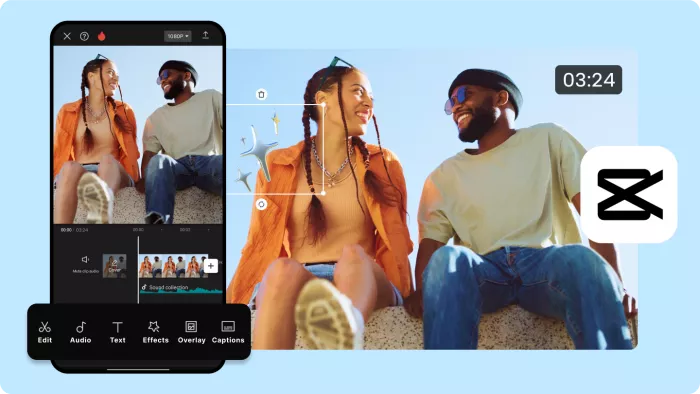
CapCut remains one of the most practical tools for Instagram Reels because it feels native to short-form culture. It includes AI-assisted captions, beat sync, transitions, background removal, enhancement tools, and a mobile-friendly editing flow that is much closer to how most creators actually work every day.
For reel creation, CapCut is powerful because it helps creators move fast without looking amateur. You can shoot on your phone, cut clips, sync visuals to sound, auto-generate captions, and use trending transition styles in one workflow. That makes it especially strong for lifestyle creators, daily vloggers, meme-style editors, beauty creators, and anyone building short-form content natively from a phone.
Pricing: CapCut offers a strong Free plan at $0, while CapCut Pro generally starts around $7.99–$9.99/month, depending on platform and region.
Best for: Mobile-first creators, trend-driven editors, lifestyle pages, and anyone who wants fast, native-feeling short-form edits.
CapCut: Pros and cons
| Pros | Cons |
| Excellent for quick mobile editing and trendy formats. | Trend-heavy style can make content look repetitive. |
| Strong auto-captions, beat sync, and transition tools. | Not as advanced as full desktop editors for complex work. |
| Great free plan for daily reel creators. | Asset and cloud behavior can sometimes feel inconsistent. |
7. ImagineArt
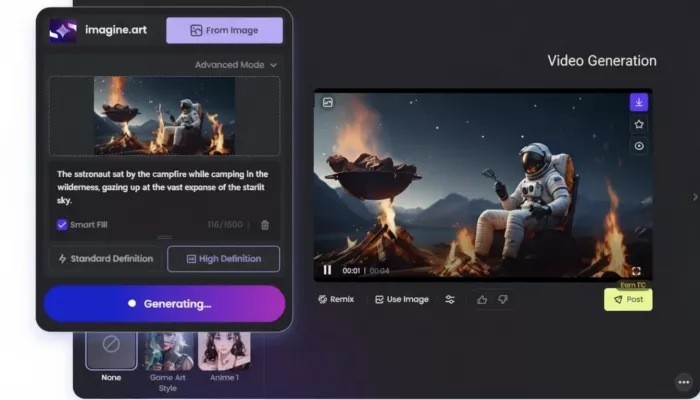
ImagineArt is useful when the content idea is clear, but the footage does not exist. It helps creators generate visuals, animate stills, and produce short AI-generated motion clips that can be used as standalone Reels or as B-roll inside edited videos.
That opens up a very different kind of reel workflow. Instead of filming everything yourself, you can use prompts to create scenes, animate product concepts, build visual loops, or create eye-catching sequences for storytelling pages, quote pages, niche explainers, or brand pages. It is not a replacement for a full editor, but it can supply the visual layer that many faceless reels need.
Pricing: ImagineArt generally offers Free usage with daily or credit limits, while paid plans often start around $10–$15/month for more generations, higher quality, and commercial use.
Best for: Faceless creators, visual storytelling accounts, product pages, and creators who need AI-generated motion instead of filmed footage.
ImagineArt: Pros and cons
| Pros | Cons |
| Can create visuals even when you have no footage. | AI-generated visuals can feel synthetic if used badly. |
| Strong for image-to-video motion and faceless content. | Needs another tool for final editing in many workflows. |
| Useful for aesthetic, niche, and storytelling pages. | Results depend heavily on prompt quality. |
8. ChatGPT + ElevenLabs-style voice stack
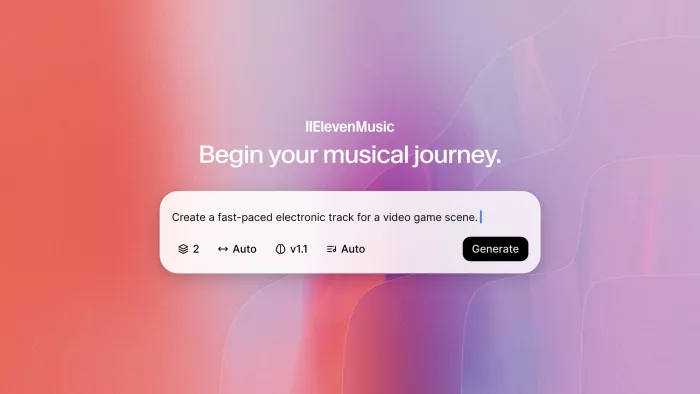
This is not a single app, but for many creators it is one of the most efficient combinations available. A script generator like ChatGPT handles hooks, structure, CTA lines, and storytelling flow, while an AI voice platform like ElevenLabs turns that script into natural-sounding narration for a faceless Reel.
This stack helps at the two places where many creators get stuck: what to say and how to voice it. For educational pages, storytelling accounts, niche explainers, fact pages, and list-style Reels, this combination removes a huge amount of production friction. Once the script and voice are ready, the final visual layer can be built in CapCut, VEED, Canva, or InVideo depending on the creator’s style.
Pricing: ChatGPT-style tools usually have Free tiers, while premium versions typically start around $20/month; AI voice tools like ElevenLabs often offer Free or trial plans, with paid tiers beginning at roughly $10–$15/month.
Best for: Faceless educational pages, storytelling Reels, explainers, and creators who need fast scripts plus natural voiceover.
Script + AI voice stack: Pros and cons
| Pros | Cons |
| Excellent for faceless Reels at scale. | Requires combining more than one tool. |
| Solves both scripting and narration bottlenecks. | Weak prompts still produce weak content. |
| Very useful for educational and list-style formats. | Premium voice plans can become costly with heavy use. |
Verdict
The best AI tool for Instagram Reels really depends on what slows you down most. If your problem is branding and design consistency, Canva is the easiest win. If you want prompt-to-video automation, InVideo AI is stronger. If you already have long-form content, Vizard and Opus Clip are the obvious shortcuts. If you want mobile-first editing with trend-native results, CapCut is still one of the most practical choices. And if you run a faceless account, ImagineArt plus a script-and-voice stack can become a very efficient content engine.
For most creators, the smartest move is not to use all eight tools. It is to build a compact stack around your workflow. A simple combination like ChatGPT for scripting, CapCut for editing, and Canva for branded overlays can already cover most Reel needs. Meanwhile, long-form creators will likely get more value from a repurposing stack built around Vizard or Opus Clip.
The bigger point is this: AI does not automatically make a Reel good. Hook quality, pacing, storytelling, and visual clarity still matter. What AI does well is remove repetitive friction, which gives creators more room to focus on ideas and consistency, the two things that matter most on Instagram in the long run.



Comments