A good logo does not have to be complicated, but it has to work everywhere. It should look clear on a website header, social media profile, product label, business card, invoice, app icon, and presentation slide. That is where AI logo design tools can help. They give users fast logo concepts, editable layouts, color options, and brand assets without needing advanced design skills.
The important part is choosing the right tool for the right type of brand. Some AI logo makers are better for startups and SaaS-style logos, while others are better for creators, local businesses, online stores, or full brand kits. This guide breaks down eight of the best AI tools for logo design by style, brand fit, pricing, and best use case.
Quick Comparison of the Best AI Logo Design Tools
| Tool | Best For | Starting Price |
| Looka | AI-powered brand kits | Starts at $20 one-time |
| Canva Logo Maker | Beginners and creators | Canva Pro starts around $15/month globally |
| Adobe Express Logo Maker | Simple professional logos | Premium starts at ₹398.84/month in India |
| Wix Logo Maker | Small business websites | Wix website plans start around ₹17.77/month in India |
| Tailor Brands | Business branding packages | Logo plans often start around $3.99/month annually |
| LogoAI | Fast AI logo concepts | Starts around $29 one-time |
| Brandmark | Modern startup logos | Starts at $35 one-time |
| Design.com | Logo and marketing assets | Paid plans often start around $3/month annually |
1. Looka: Best for AI-Powered Brand Kits
Looka is one of the strongest AI logo makers for users who want a logo and a basic brand system in one place. It asks for your business name, industry, preferred styles, colors, and symbols, then generates logo concepts that can be edited before purchase. The biggest strength is convenience: users can create a logo, brand colors, social media assets, business card designs, and other branded materials from the same visual identity.
The limitation is that Looka can still feel template-driven if users accept the first logo without editing. It is best used as a fast branding tool, not a replacement for a custom designer when originality, trademark strategy, or deep brand storytelling matters. Still, for startups, freelancers, consultants, online stores, and local businesses, it gives a clean and practical starting point.
| Decision Point | What to Know |
| Logo style | Clean, polished, modern, and business-friendly |
| Brand fit | Startups, consultants, creators, online stores, service businesses |
| Control level | Users can edit colors, fonts, layouts, symbols, and logo variations |
| File check | Check whether your package includes PNG, SVG, EPS, PDF, transparent background, and commercial usage |
| Pricing | Free to generate logos; paid logo packages start at $20 one-time, while the Premium Logo Package is listed at $65 one-time |
Best match: Looka is best for small businesses and creators that want a logo, brand kit, and matching marketing assets without hiring a designer.
2. Canva Logo Maker: Best for Beginners and Editable Logo Templates
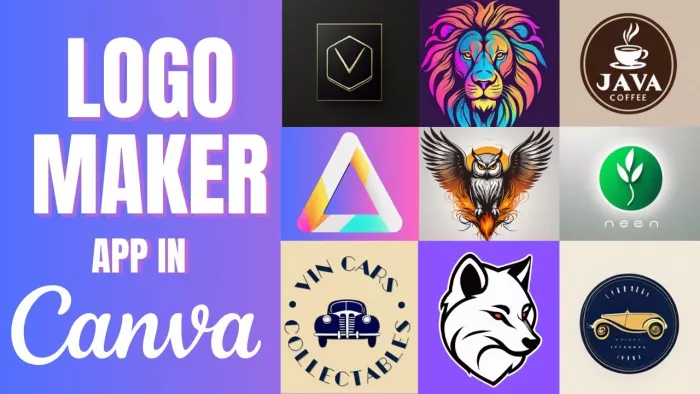
Canva Logo Maker is a practical choice for beginners because it gives more manual design flexibility than many automatic logo generators. Users can start from logo templates, add icons, change fonts, adjust colors, resize elements, and then use the same design system across social posts, banners, presentations, and marketing materials. This makes Canva especially useful for creators who want their logo and content visuals to feel consistent.
The main drawback is originality. Canva templates are widely used, so a logo made with common icons or layouts may not feel unique unless it is carefully customized. It is excellent for creators, bloggers, coaches, freelancers, online shops, and small brands, but serious companies should avoid using overly generic template designs without modification.
| Decision Point | What to Know |
| Logo style | Clean, colorful, template-based, social-media-friendly |
| Brand fit | Creators, freelancers, bloggers, coaches, online stores, small brands |
| Control level | Strong control over fonts, colors, icons, layouts, backgrounds, and brand templates |
| File check | Free exports are available, but transparent backgrounds, premium assets, and brand tools may require Canva Pro |
| Pricing | Free plan available; Canva Pro starts around $15/month globally, with local pricing shown by region |
Best match: Canva Logo Maker is best for beginners and content creators who want an editable logo plus matching social media designs.
3. Adobe Express Logo Maker: Best for Simple Professional Logo Creation
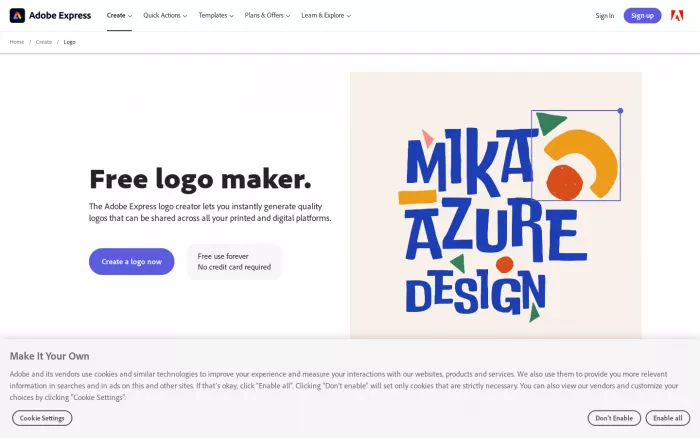
Adobe Express Logo Maker is useful for users who want a clean logo without opening a complex design program. It gives a guided creation process, editable templates, Adobe fonts, stock assets, brand tools, and simple design controls. For freelancers, educators, service brands, and small businesses, it offers a more polished design environment than many basic logo makers.
Its limitation is depth. Adobe Express is not Adobe Illustrator, so users who need advanced vector drawing, custom typography, or highly detailed logo construction will still need a professional design tool. But for quick, professional-looking logos and supporting brand visuals, Adobe Express is easy to use and reliable.
| Decision Point | What to Know |
| Logo style | Minimal, clean, professional, and template-supported |
| Brand fit | Freelancers, educators, creators, service brands, small businesses |
| Control level | Good for fonts, colors, layout changes, templates, and simple branded designs |
| File check | Check export quality, transparent background support, premium assets, and brand kit access |
| Pricing | Free plan available; Adobe Express Premium starts at ₹398.84/month in India |
Best match: Adobe Express Logo Maker is best for users who want a simple professional logo with access to Adobe’s broader design ecosystem.
4. Wix Logo Maker: Best for Small Business Websites
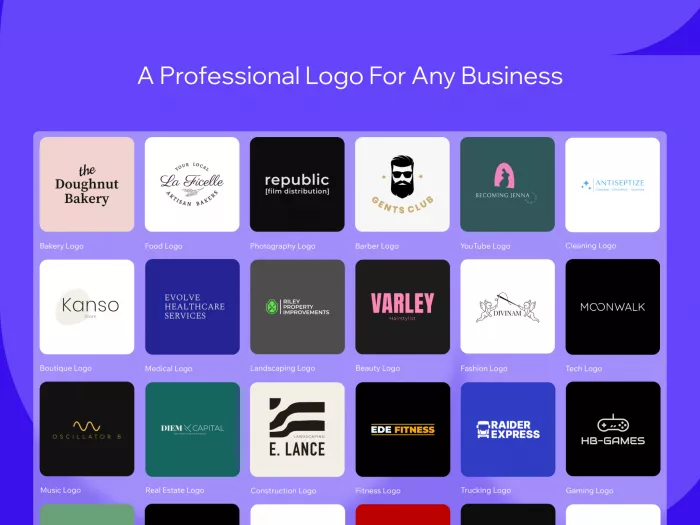
Wix Logo Maker is a strong option for users who are building a logo and website together. It asks questions about the brand, industry, and style preference, then generates logo directions that can be edited before use. The main advantage is that the logo can fit naturally into Wix’s wider website and business-building ecosystem.
The limitation is that the logo results may need careful customization to avoid looking generic. Wix is best for local businesses, service providers, small shops, restaurants, consultants, and website owners who want a fast logo for digital use. It is less ideal for brands that need a fully custom identity or advanced design ownership planning.
| Decision Point | What to Know |
| Logo style | Practical, business-friendly, and suitable for websites |
| Brand fit | Local businesses, service providers, online stores, startups, website owners |
| Control level | Good control over layouts, icons, colors, fonts, and basic logo editing |
| File check | Check whether you get high-resolution files, SVG, transparent background, and commercial usage before publishing |
| Pricing | Free logo creation is available through Wix/Wixel tools; Wix website plans start around ₹17.77/month in India if paired with a website |
Best match: Wix Logo Maker is best for small businesses that want a logo and website branding workflow in the same ecosystem.
5. Tailor Brands: Best for Business Branding Packages
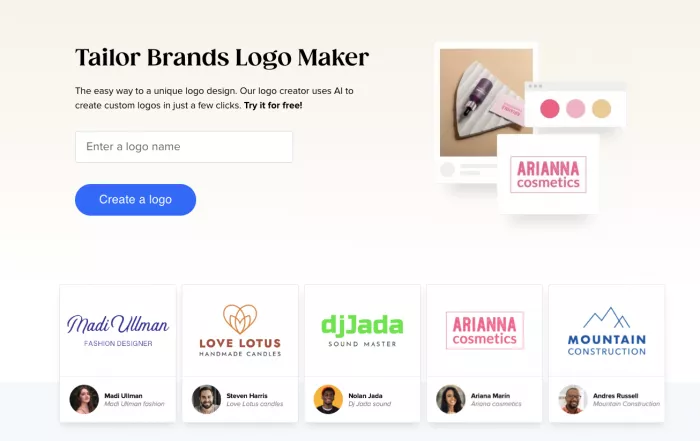
Tailor Brands is designed for entrepreneurs who want more than a logo generator. It combines AI logo creation with branding tools, business cards, merchandise, website support, and business setup services in some markets. This makes it useful for people who are not only designing a logo but also trying to launch a small business.
The downside is that the platform can feel broader than necessary if all you need is one logo file. Some users may find the pricing structure layered because branding, business services, and logo features can sit in different packages. Still, for entrepreneurs who want guided branding and business-building tools, Tailor Brands is practical.
| Decision Point | What to Know |
| Logo style | Clean, simple, business-focused logo concepts |
| Brand fit | Entrepreneurs, local businesses, service providers, early-stage founders |
| Control level | Good for basic edits, fonts, colors, layouts, and branded materials |
| File check | Check logo file types, ownership terms, commercial usage, and brand asset access before paying |
| Pricing | Free to try logo creation; paid logo and branding plans are commonly listed from around $3.99/month when billed annually |
Best match: Tailor Brands is best for entrepreneurs who want logo design, basic branding assets, and business setup tools in one guided platform.
6. LogoAI: Best for Fast AI-Generated Logo Concepts
LogoAI is built for speed. Users enter a business name and preferences, then the platform generates logo concepts that can be customized with different fonts, colors, symbols, and layouts. It is useful for startups, digital products, creators, online brands, and side projects that need fast visual direction.
The main weakness is that fast AI logo generation still needs human judgment. Some results may look polished but not distinctive enough for long-term brand use. LogoAI works best when users generate several options, refine the best one, and check file formats and usage rights before committing.
| Decision Point | What to Know |
| Logo style | Modern, clean, AI-generated, and business-ready |
| Brand fit | Startups, creators, online projects, digital products, small businesses |
| Control level | Good control over fonts, symbols, colors, layouts, and logo variations |
| File check | Check whether your package includes transparent PNG, high-resolution files, vector files, and brand identity assets |
| Pricing | Free to design logos; paid downloads are one-time purchases and commonly start around $29 |
Best match: LogoAI is best for users who want quick AI logo concepts and downloadable brand files without a long design process.
7. Brandmark: Best for Modern Startup Logos
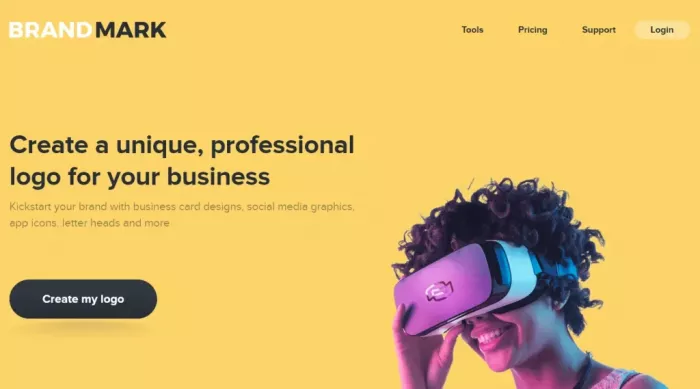
Brandmark is one of the better choices for clean, modern startup-style logos. Its designs often fit SaaS companies, consultants, digital agencies, apps, and tech-focused brands. The visual style usually feels sharper than many generic logo makers, especially for users who like minimal marks, geometric icons, and clean wordmarks.
Its limitation is that it may not be the best fit for playful, handmade, vintage, or heavily illustrated brand identities. Brandmark is strongest when the brand needs a modern digital look, not a deeply custom artistic logo. It also works well for founders who want a logo plus supporting brand assets without paying agency-level fees.
| Decision Point | What to Know |
| Logo style | Minimal, modern, geometric, startup-friendly, and tech-oriented |
| Brand fit | SaaS brands, agencies, consultants, apps, founders, digital businesses |
| Control level | Good for refining generated concepts, colors, fonts, and logo variations |
| File check | Basic plan includes PNG and vector files; higher plans include source files, brand guidelines, and extra design assets |
| Pricing | Free to generate logos; paid packages start at $35 one-time |
Best match: Brandmark is best for startups, SaaS brands, consultants, and digital businesses that want a sharp modern logo quickly.
8. Design.com: Best for Logo and Marketing Asset Bundles
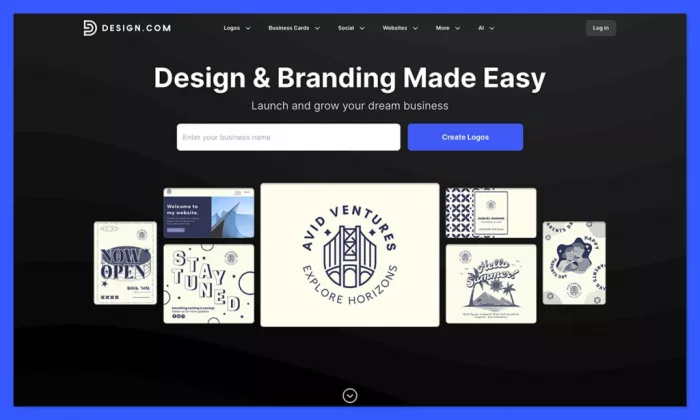
Design.com is useful for users who want a logo plus a larger set of marketing designs. It helps create logos, business cards, social media posts, websites, flyers, and other brand materials from the same platform. That makes it a good fit for users who need brand consistency across several assets, not just a single logo.
The limitation is that the platform can feel template-heavy, and pricing may vary depending on the section or plan selected. It is best for small businesses, online stores, creators, and marketers who want a fast logo and supporting design materials. For advanced designers, it may feel less flexible than professional vector software.
| Decision Point | What to Know |
| Logo style | Wide variety of AI-assisted and template-based logo styles |
| Brand fit | Small businesses, creators, agencies, marketers, online stores |
| Control level | Good control over fonts, colors, layouts, and design variations |
| File check | Check whether your plan includes PNG, SVG, PDF, transparent background, edits, and brand asset downloads |
| Pricing | Free to use and create logos; paid plans are commonly listed from around $3/month when billed annually |
Best match: Design.com is best for users who want a logo and supporting marketing assets from the same platform.
How to Choose the Right AI Logo Design Tool
The best AI logo design tool depends on how serious the brand is and where the logo will be used. A personal project may only need a clean PNG logo, but a real business should look for transparent backgrounds, vector files, commercial usage rights, and editable brand assets.
Before choosing a logo tool, check the file package carefully. A logo that only downloads as a small PNG may be enough for a social profile, but it is not ideal for printing, signage, packaging, or long-term business use. SVG, EPS, PDF, and transparent PNG files give more flexibility.
| What to Check | Why It Matters |
| Vector files | Needed for scaling the logo without losing quality |
| Transparent background | Useful for websites, social media, thumbnails, and product mockups |
| Commercial usage | Important if the logo will represent a real business |
| Editing access | Helps if you need to adjust colors, fonts, or layout later |
| Brand assets | Useful for social posts, business cards, email signatures, and banners |
AI logo makers are good for speed and affordability, but they do not automatically guarantee originality. If you are building a serious company, refine the logo carefully, avoid generic icons, and consider a trademark search before using it publicly.
Final Verdict
Looka is the strongest option for users who want a logo and brand kit together. Canva Logo Maker is better for beginners and creators who want flexible editing with social media design support. Adobe Express is a good choice for simple professional logos, especially for users who like Adobe’s design ecosystem.
Wix Logo Maker is useful for small businesses building a website, while Tailor Brands works better for entrepreneurs who want branding and business setup tools together. LogoAI is a fast option for AI-generated logo ideas, Brandmark is best for modern startup-style logos, and Design.com is useful when you need a logo plus marketing assets.
For most beginners, Canva and Looka are the easiest starting points. For startups and digital businesses, Brandmark and LogoAI are worth testing. For small business owners who need a website or marketing materials alongside the logo, Wix, Tailor Brands, and Design.com may offer better overall value.
The smartest approach is to use AI for fast logo direction, then refine the result like a real brand asset. A good logo should be readable, scalable, flexible, and usable across every place your brand appears.



Comments